
Tech Talks
Here we discuss the latest tech, web trends and cyber insights.
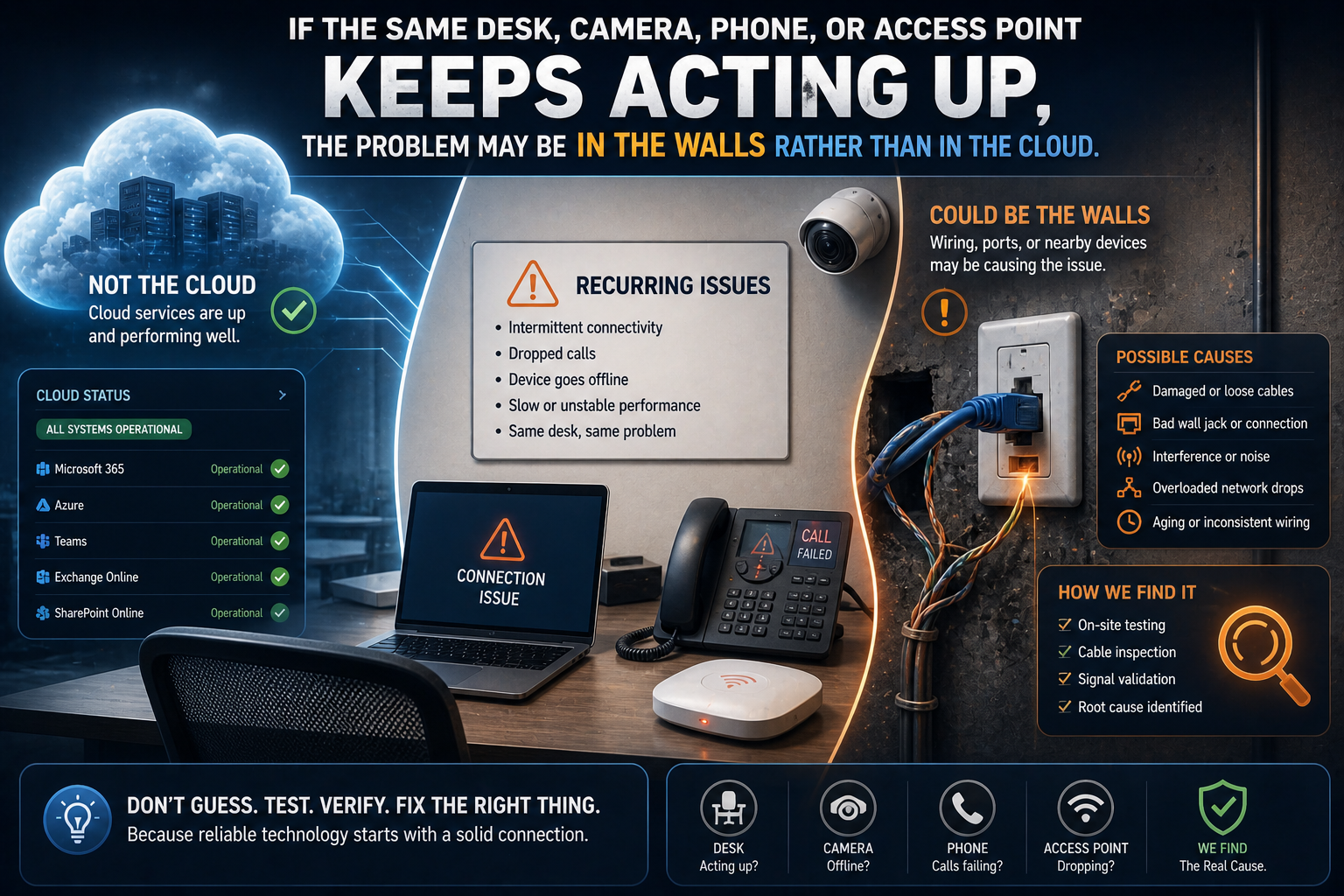
When to Upgrade Network Cabling Instead of Blaming the Internet
If the same desk, camera, phone, or access point keeps acting up, the problem may be in the walls rather than in the cloud.
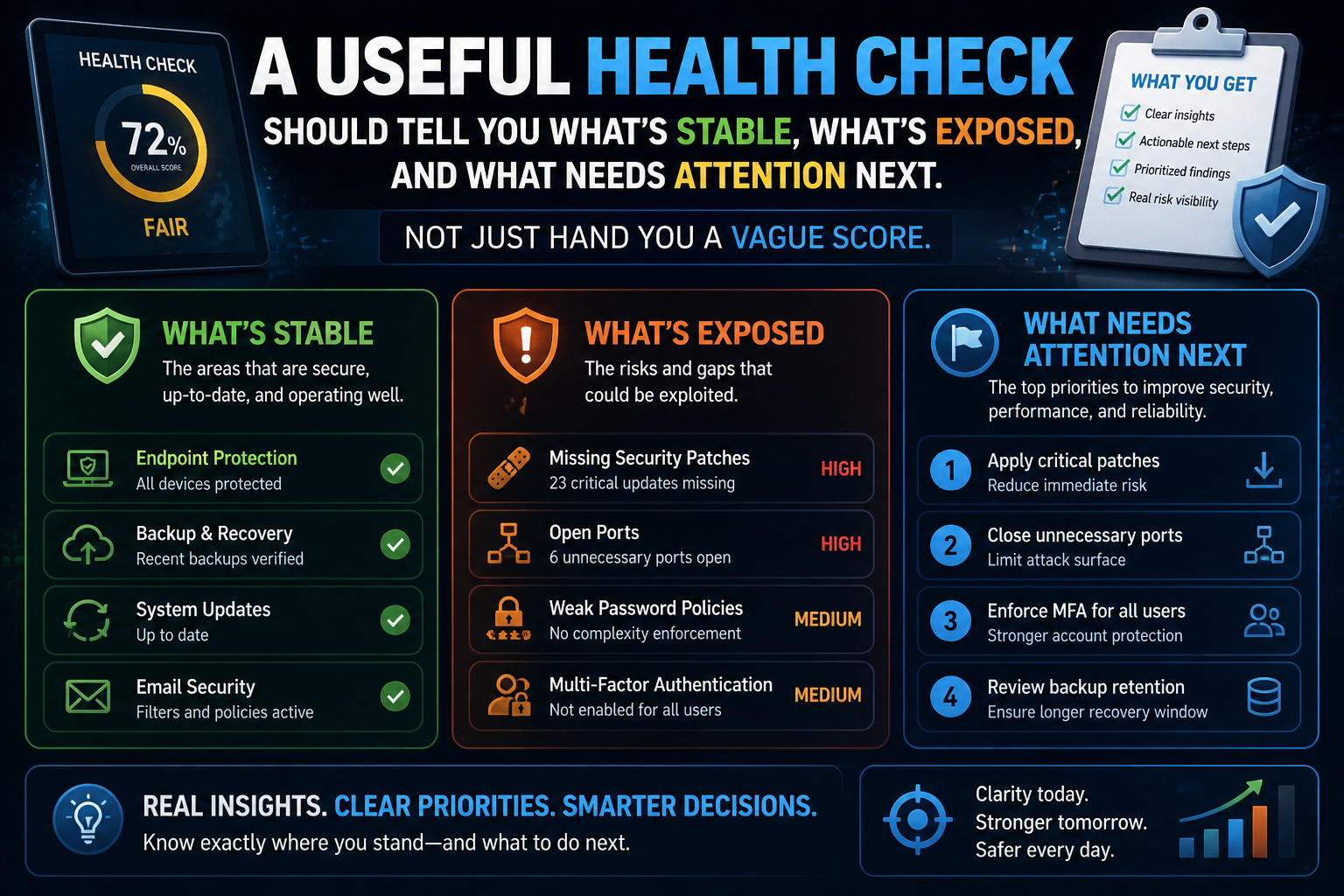
What an IT Health Check Should Actually Include
A useful health check should tell you what is stable, what is exposed, and what needs attention next. Not just hand you a vague score.
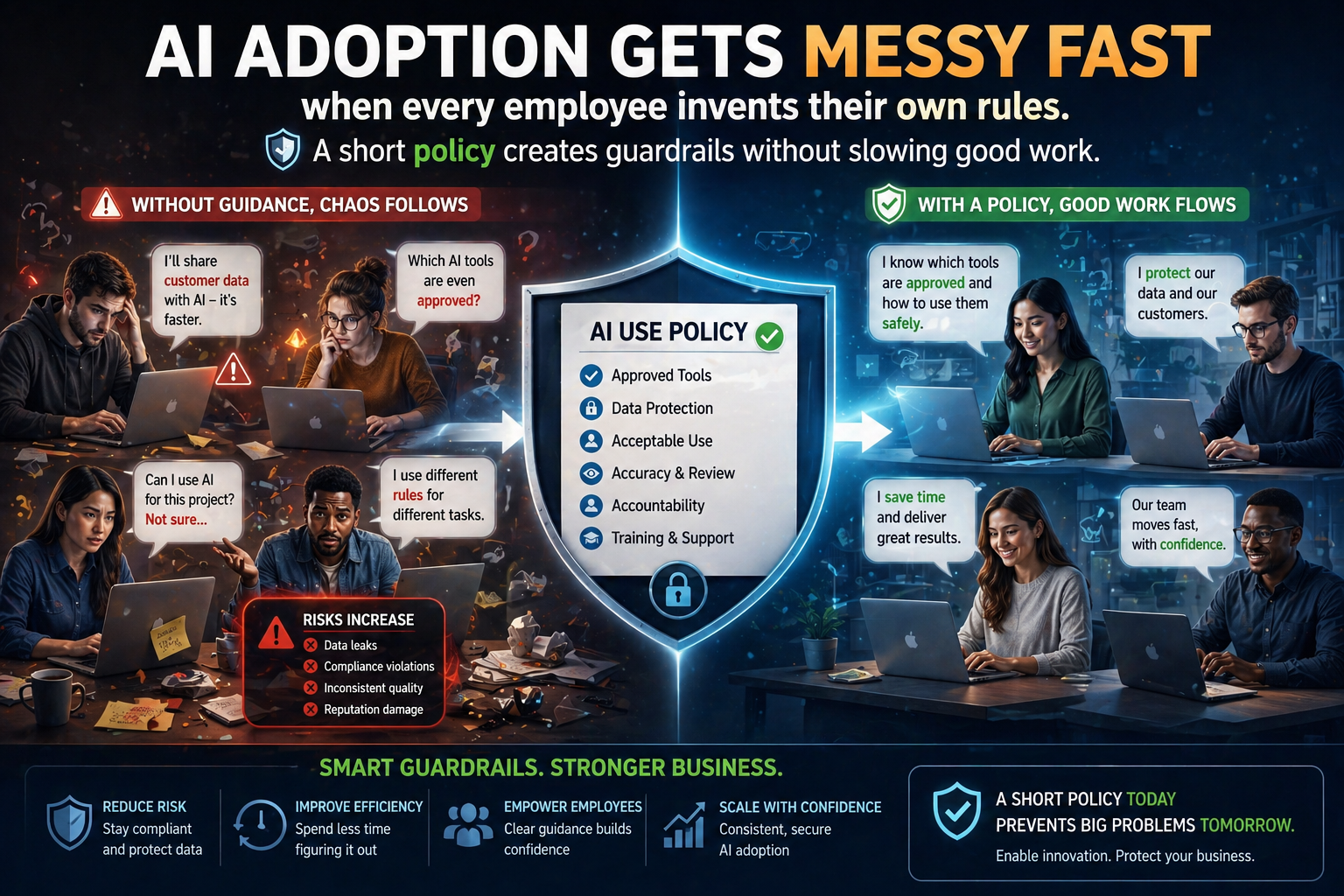
How to Build a Simple AI Policy for Your Small Business
AI adoption gets messy fast when every employee invents their own rules. A short policy creates guardrails without slowing good work.
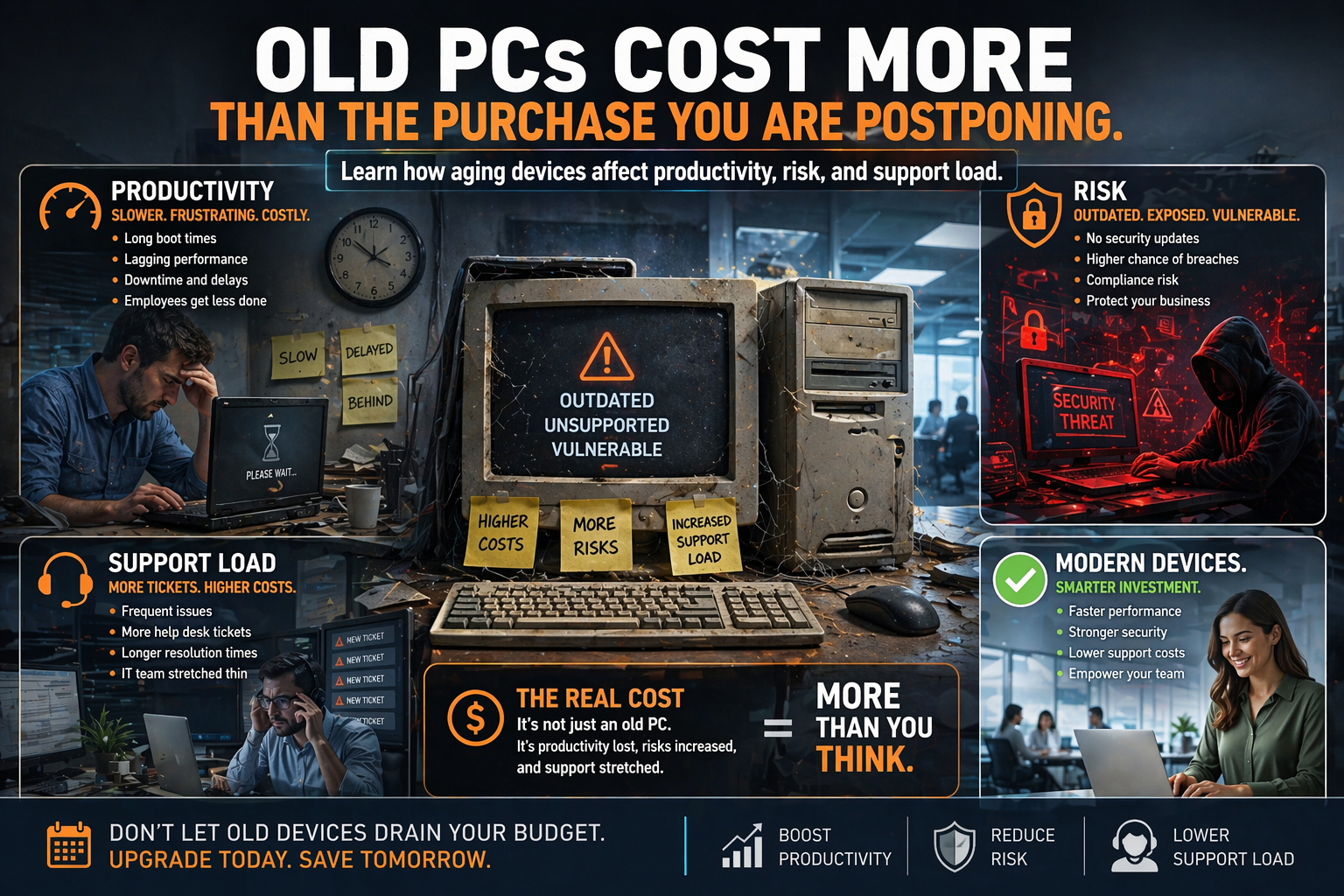
The Real Cost of Keeping Old PCs One More Year
Stretching hardware life sounds thrifty until slow performance, support tickets, and compatibility issues start billing you in secret.

Door Access + Cameras: Why One Security Ecosystem Beats a Patchwork
When access control and cameras live in separate worlds, every review takes longer. One ecosystem changes that.
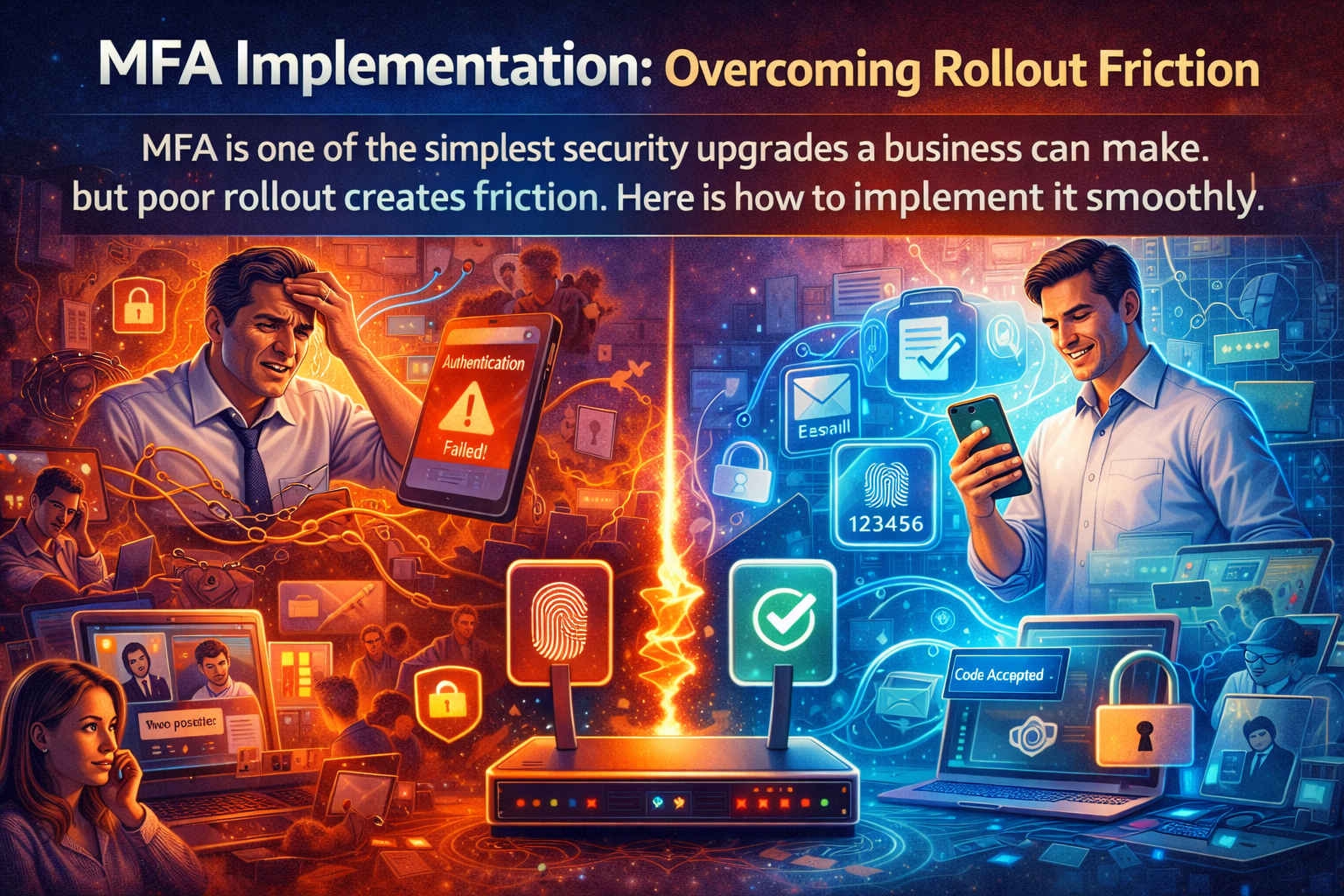
How to Roll Out MFA Without Frustrating Your Team
The problem is not MFA itself. The problem is springing it on users with no plan, no training, and no backup method.
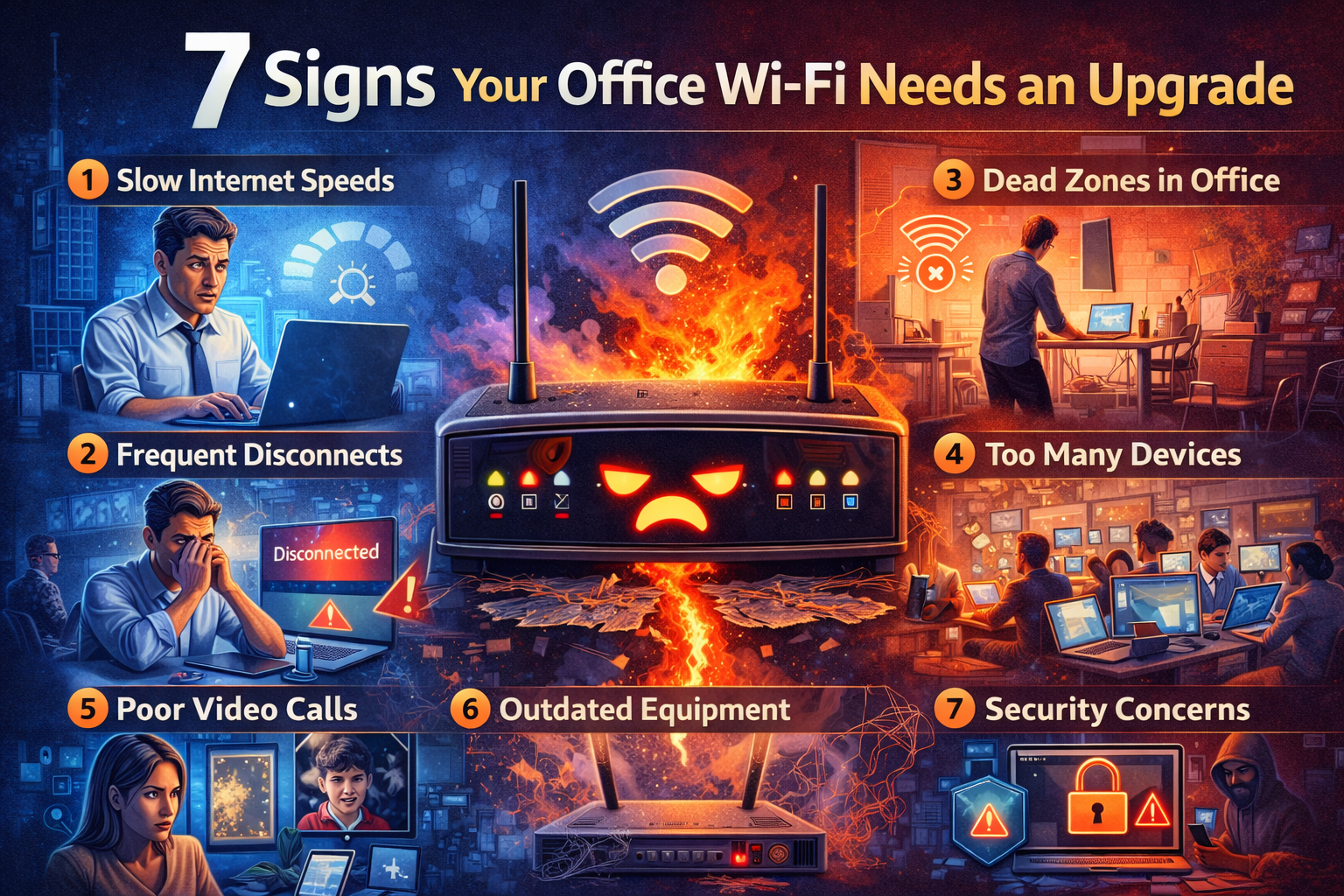
7 Signs Your Office Wi-Fi Was Designed for Yesterday’s Business
If your Wi-Fi was planned around a smaller team, fewer devices, or an older floor plan, the cracks may already be showing.
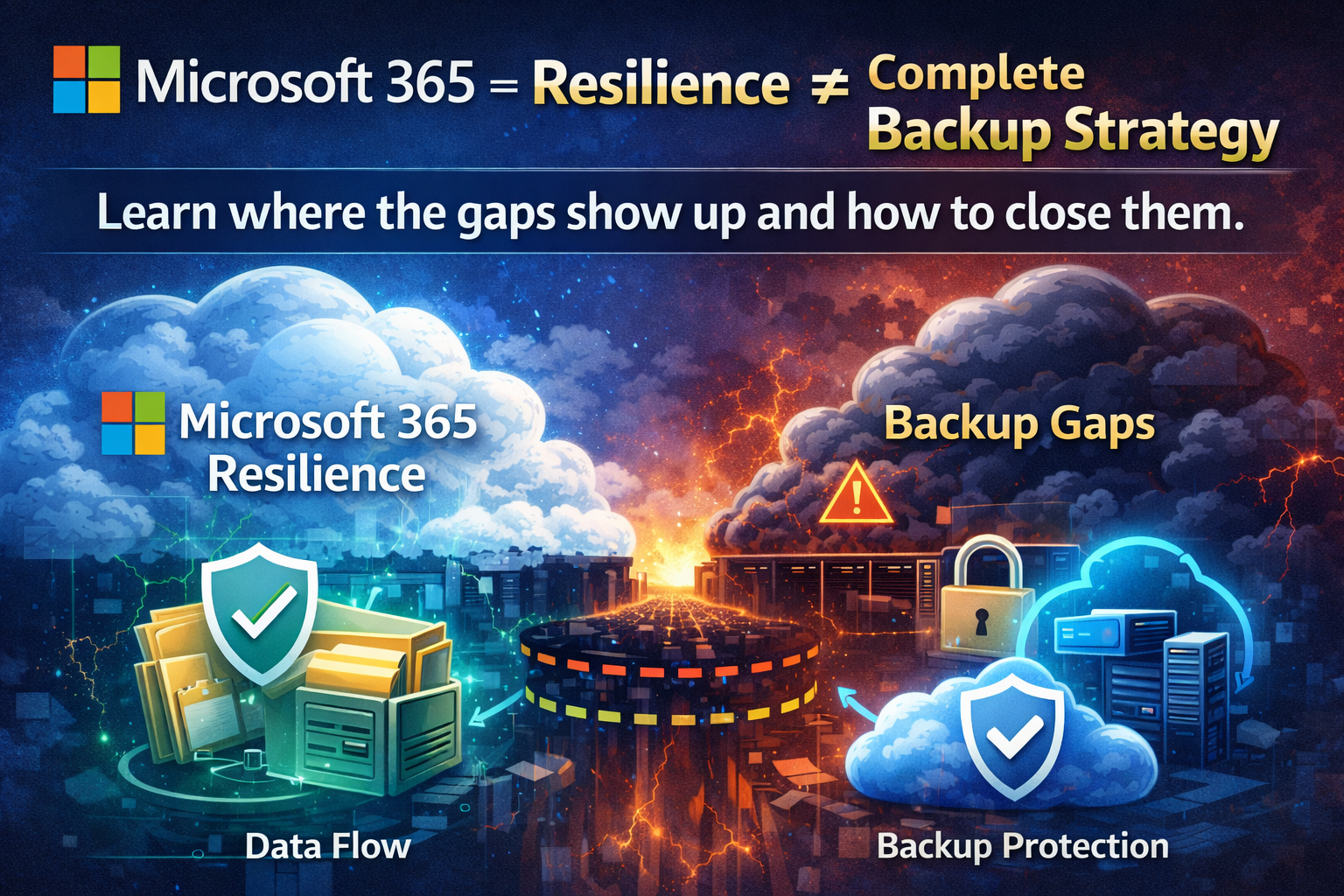
Microsoft 365 Backup: What’s Protected, What Isn’t, and What to Fix
Version history and recycle bins help, but they are not a complete recovery plan. Here is where Microsoft 365 backup strategy gets real.
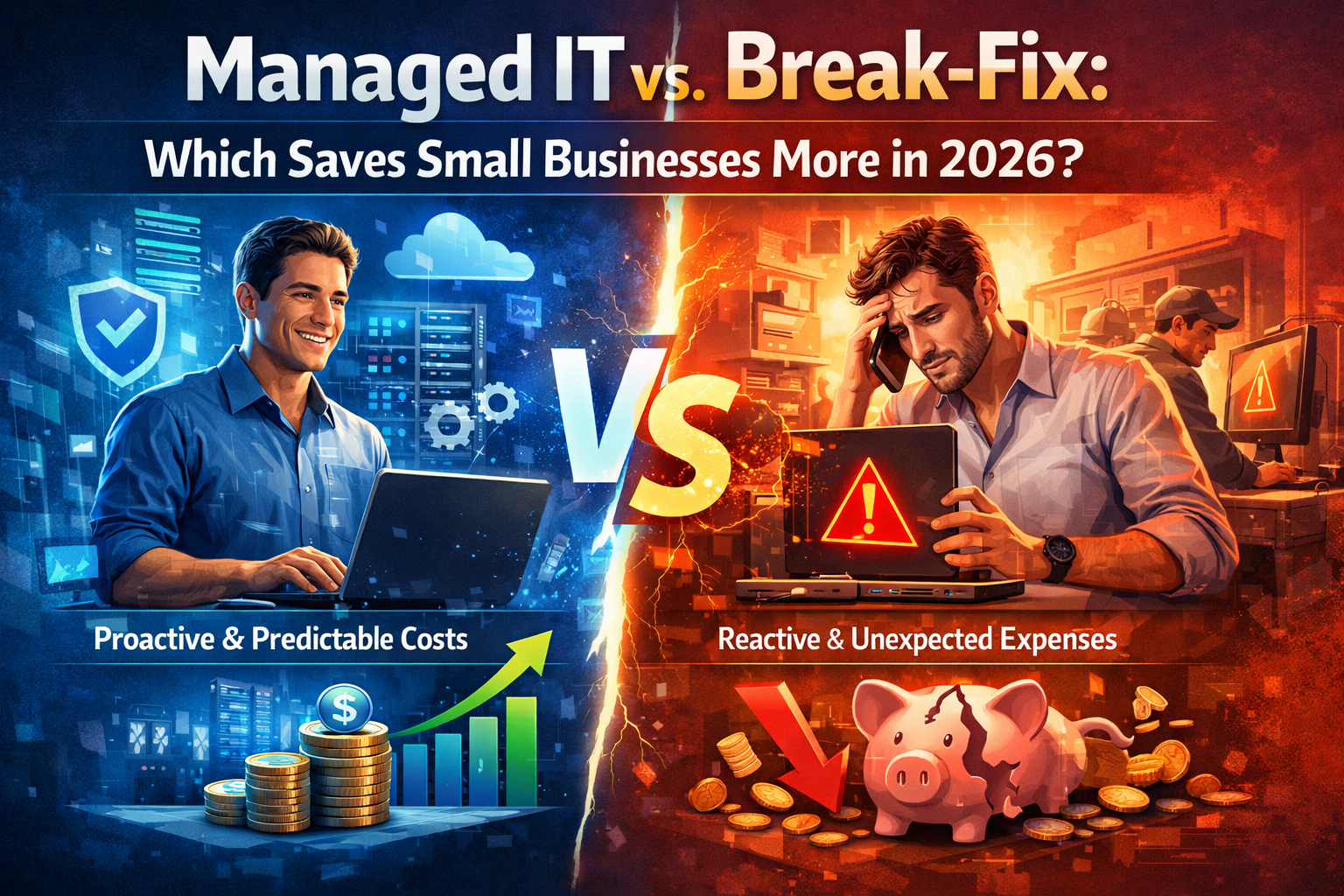
Managed IT vs. Break-Fix: Which Saves Small Businesses More in 2026?
Break-fix looks cheaper until the hidden costs show up. Here’s how to compare the two support models in the real world.
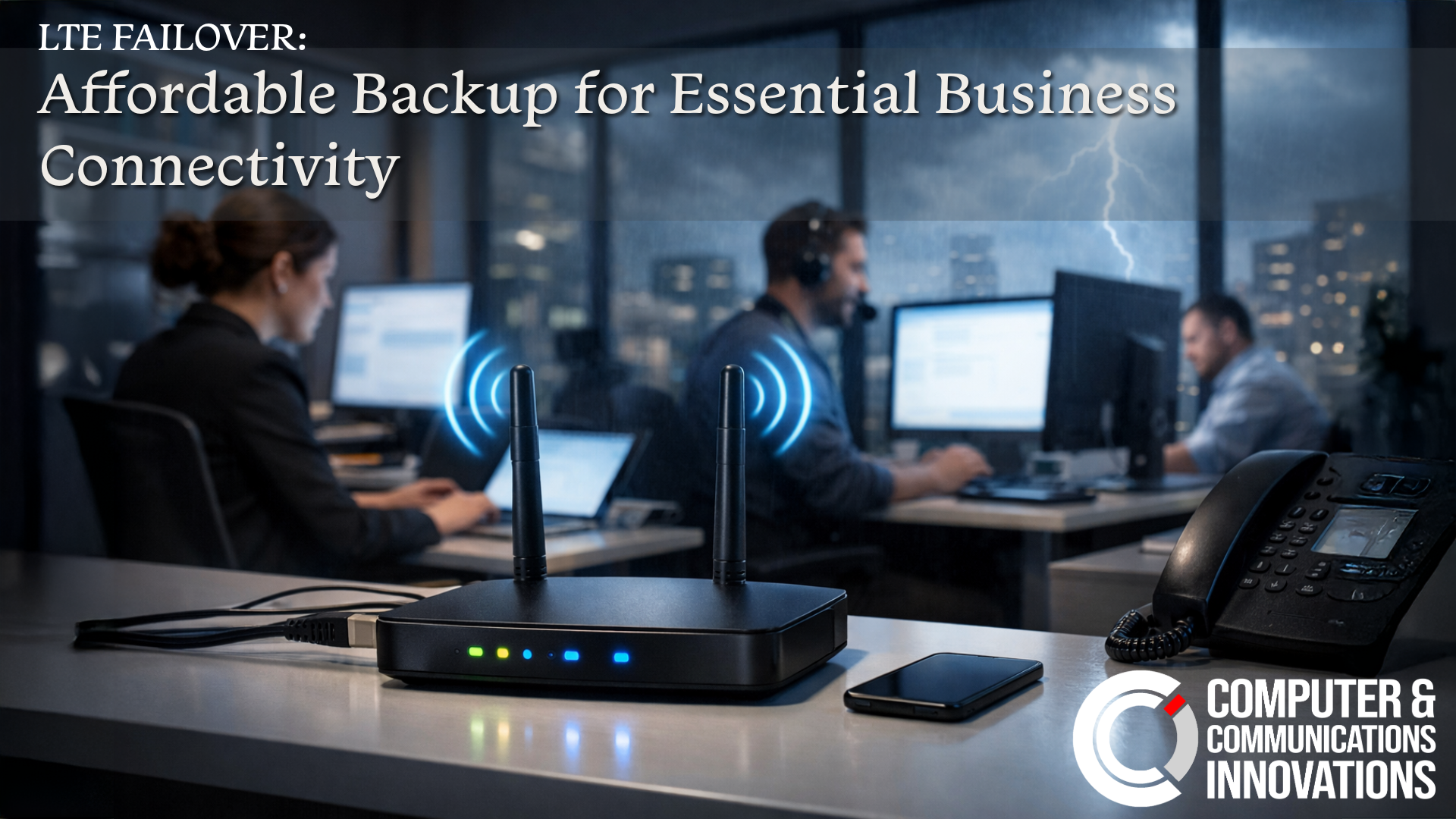
LTE Failover: Affordable Backup for Essential Business Connectivity
CCI’s LTE Failover keeps essential services like email running during outages, offering affordable protection when your main ISP goes down.

LTE Pro Failover: When Your Business Can’t Afford to Go Offline
LTE Pro Failover delivers uninterrupted connectivity with no data caps, keeping your business fully operational during internet outages.
What Internet Downtime Really Costs Your Business
Internet outages don’t just slow businesses down, they cost money, trust, and productivity. Downtime adds up fast
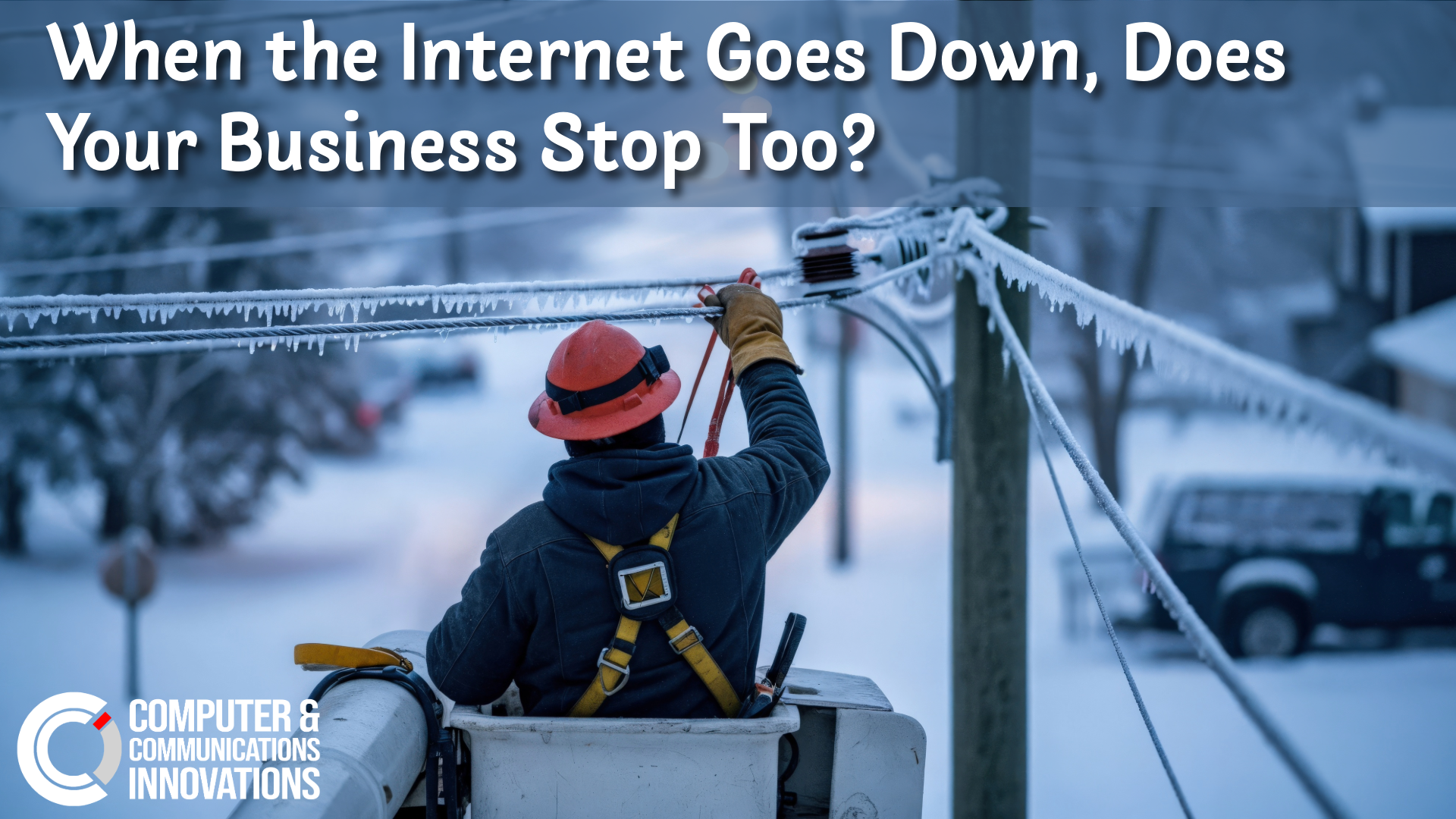
When the Internet Goes Down, Does Your Business Stop Too?
Winter storms revealed a harsh truth: when the internet goes down, many businesses grind to a halt. Is your business prepared?
Stay in Sync: Top Microsoft Loop Shortcuts for Seamless Collaboration
Master Microsoft Loop shortcuts to collaborate, create, and stay organized faster across your shared workspaces.
Work Smarter: Top Microsoft Copilot Shortcuts You Need to Know
Boost your productivity with these essential Microsoft Copilot shortcuts to access AI tools and complete tasks faster.
Stay Organized: Top Microsoft Planner Shortcuts
Simplify task management with these essential Microsoft Planner shortcuts to organize, assign, and track work efficiently.
Navigate Like a Pro: Top Microsoft SharePoint Shortcuts
Discover essential Microsoft SharePoint shortcuts that make team collaboration, navigation, and document management faster.
Design Faster: Essential Microsoft Publisher Shortcuts
Speed up your design projects with these essential Microsoft Publisher shortcuts for layouts, text, and graphics.
Take Notes Faster: Essential Microsoft OneNote Shortcuts
Simplify note-taking with these must-know Microsoft OneNote shortcuts to capture ideas, organize notes, and work more efficiently.

Smarter, Safer Entry: The Benefits of Ubiquiti Door Access for Your Business
Ubiquiti Door Access provides modern, cloud-managed entry control with enhanced security, seamless camera integration, and no recurring licensing fees—making it an ideal access solution for today’s businesses.